EDC
Collect visit data, check form fields and keep a shared record for review.
Learn more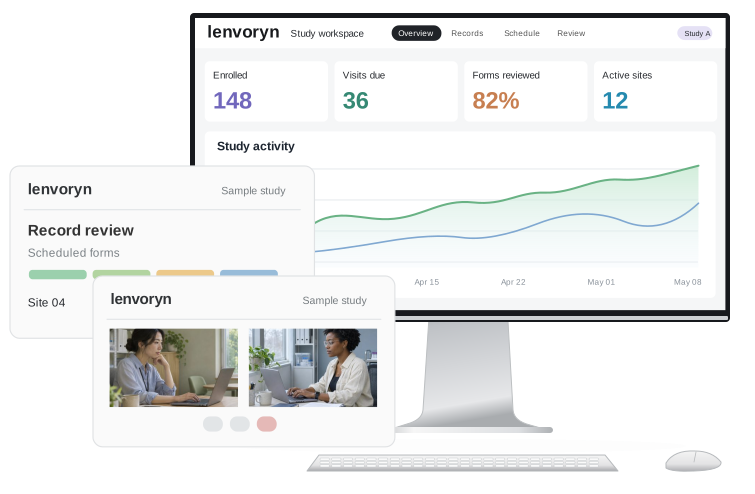
Collect visit data, check form fields and keep a shared record for review.
Learn moreBring participant diaries and scheduled check-ins into the study workspace.
Learn moreConnect remote appointments with the forms and actions that follow.
Learn more
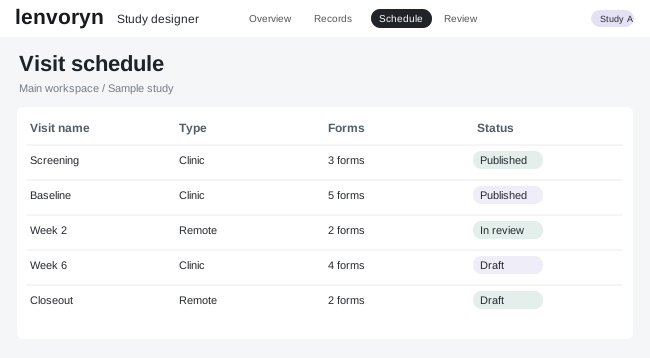
Turn a visit schedule into a working form, then walk through it from the coordinator’s point of view. The whole team can see what is ready for the next visit.

Explore a modular licensing model that starts with the study itself. Choose the capabilities that match the work your sites and participants will do.

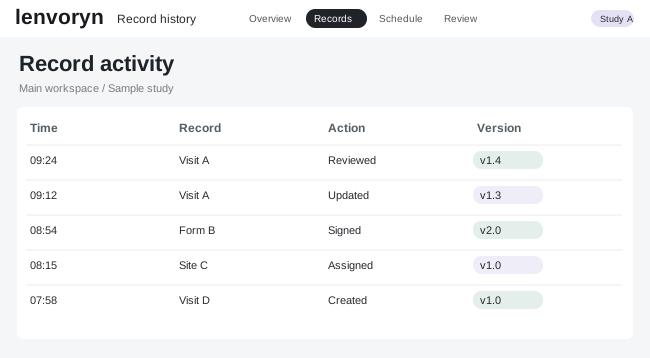
Follow a record from the first entry to a final review. Coordinators and data managers can see which items need attention and who owns the next step.
Explore the roles, tools and guided workflows that make up this sample study environment.
Explore data capture, remote visits, review and the operational tools around them.
Walk through sample records and see how the interface changes at each step.
Sponsor, CRO and device teams can explore the platform through their own study needs.
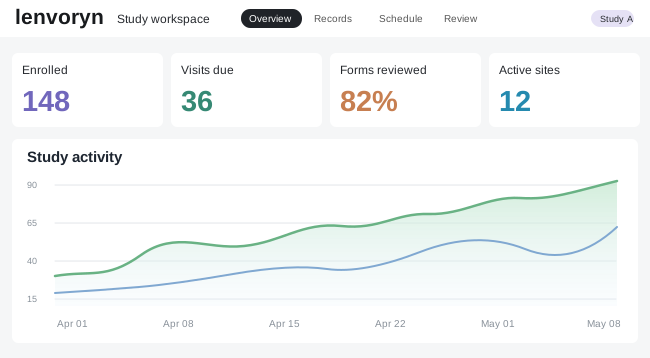
A common study view brings visit activity and the next review action together.
Explore illustrative study scenarios and see how the workspace adapts to the needs of a project.
Follow a sample participant diary from the first invitation to coordinator review.
See the scenarioA project team follows outstanding visit forms and gives each action a visible owner.
See the scenarioA contract research team coordinates visit setup across three sample sites.
See the scenarioA review team moves from a study summary to the records that need attention.
See the scenarioStudy team perspectives
I need to know which visit forms are still open before the next appointment.
I want each site to see the records and tasks that belong to its own team.
Show me where each suggested term came from and let me make the final decision.
Let me trace the changes to a record before I finish reviewing it.
Put today’s diary entries and upcoming reminders in one place.
Map site roles, visit windows and study forms in a shared designer.
Complete visit records, schedule a diary or follow a remote appointment.
Open a site summary, resolve a query and inspect the history behind a decision.