WorkspaceBook a demoRequest proposal

Search Lenvoryn

CROs

A shared view for teams running several studies

  • Follow study setup, site activity and review queues without losing the boundaries between projects.
  • Set up a study workspace using a shared study view.
  • Review sites together with an explicit handoff for the next role.
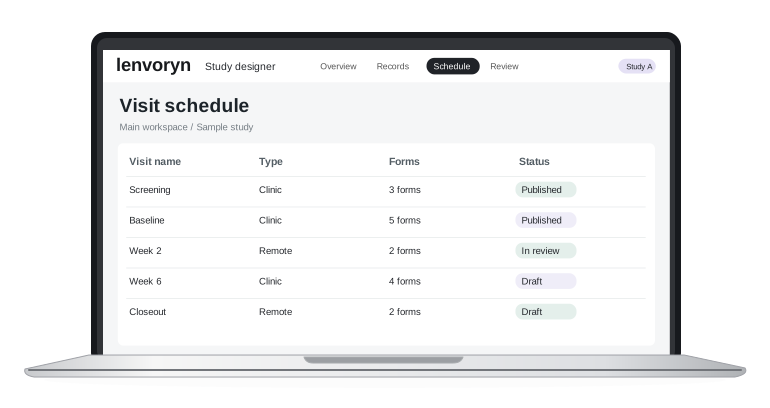
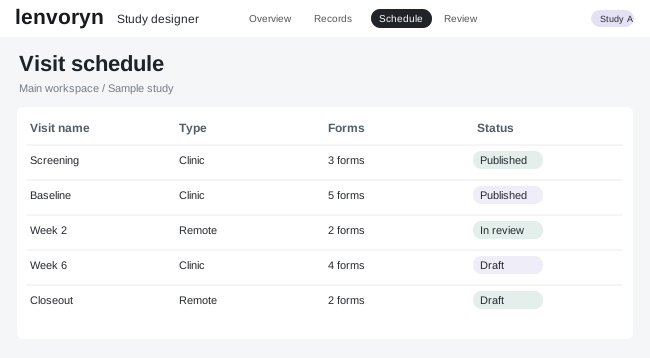
Lenvoryn study dashboard and record review interface
Research colleagues reviewing a tabletdesign interface

Set up a study workspace

Follow study setup, site activity and review queues without losing the boundaries between projects.

  • Set up a study workspace
  • Assign project roles
  • Review sites together

A closer look at the workflow

1

Set up a study workspace

Open the cros view and choose the sample study and site you want to work with.

2

Assign project roles

Check the information on screen, then use “Assign project roles” as the focus for your team review.

3

Review sites together

Return to the study overview with the next action and its owner clearly defined.

Try the CROs workflow

Explore a guided example in the demo center, using fictional study data.