Prepare the review
Start from the eSignature workspace and select a sample record.
eSignature
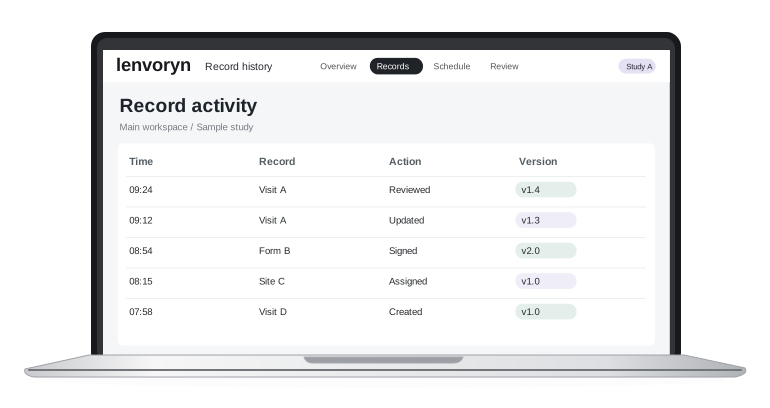
 Team workspace
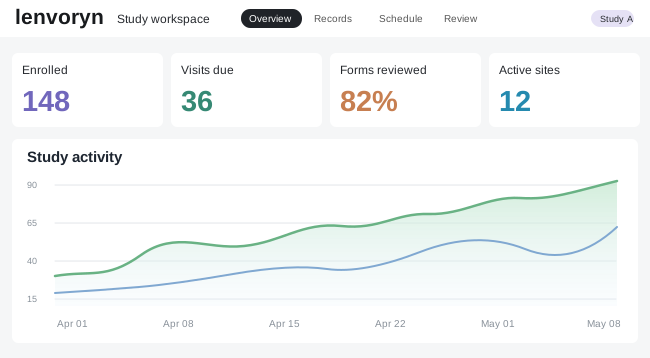
Follow study setup, site activity and review queues without losing the boundaries between projects.
 Team workspace
Keep the high-level picture close to the underlying record, from first visit through closeout.
 Team workspace
Keep visit forms, device identifiers and follow-up records together for a reviewable study history.
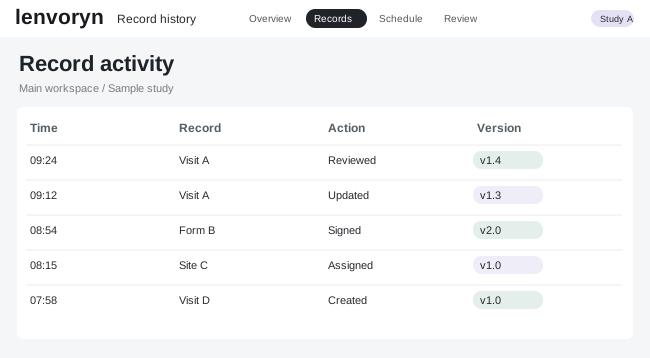
Route the final version for review and keep the decision attached to that version.
Start from the eSignature workspace and select a sample record.
Compare the details in context with the people responsible for this step.
Keep the decision and the next action together in the study record.
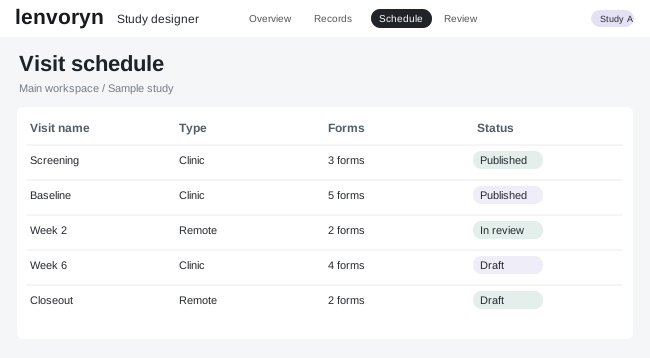
Give site teams a single place to follow the assignment status of a study visit.
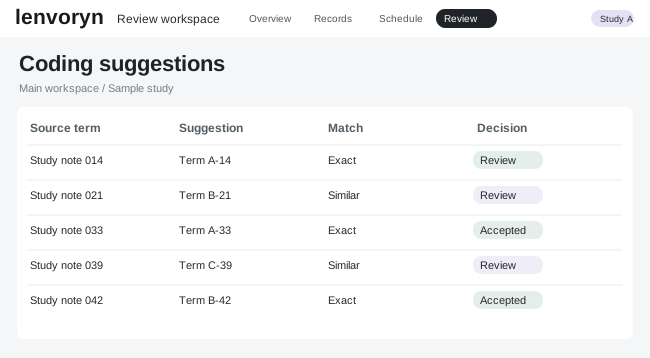
Open a sample coding queue, compare suggested terms and record the human review decision.
Build a visit form, follow its checks and give reviewers a clear record of what changed.
Yes. The demo center offers guided examples using fictional study records.
The proposal builder lets you choose modules and try the enquiry flow with sample details.
Choose a guided walkthrough or tell us which part of the platform you would like to see.