Define device fields
Open the medical devices view and choose the sample study and site you want to work with.
Medical devices
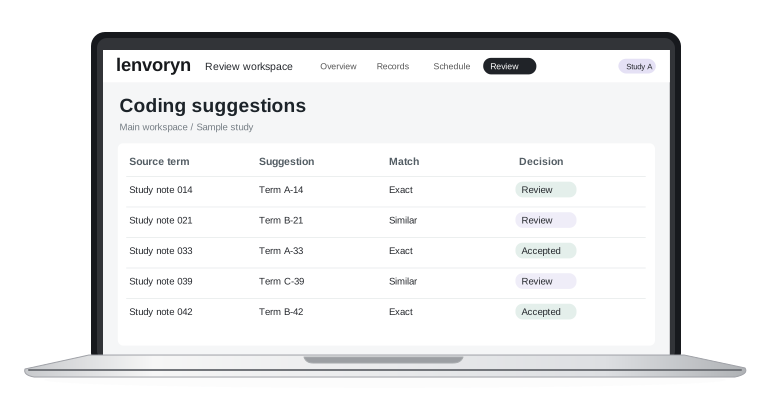

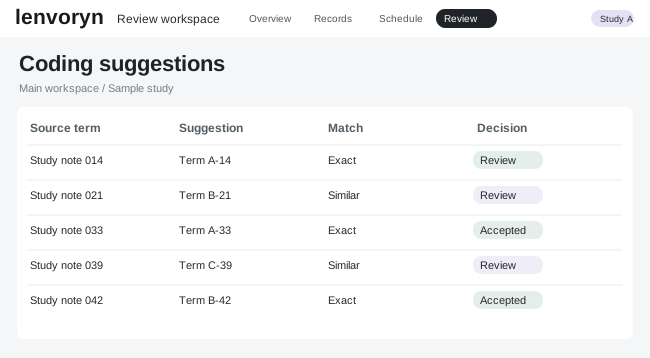
Keep visit forms, device identifiers and follow-up records together for a reviewable study history.
Open the medical devices view and choose the sample study and site you want to work with.
Check the information on screen, then use “Track follow-up” as the focus for your team review.
Return to the study overview with the next action and its owner clearly defined.
Explore a guided example in the demo center, using fictional study data.