Capture the issue
Open the technical support view and choose the sample study and site you want to work with.
Technical support
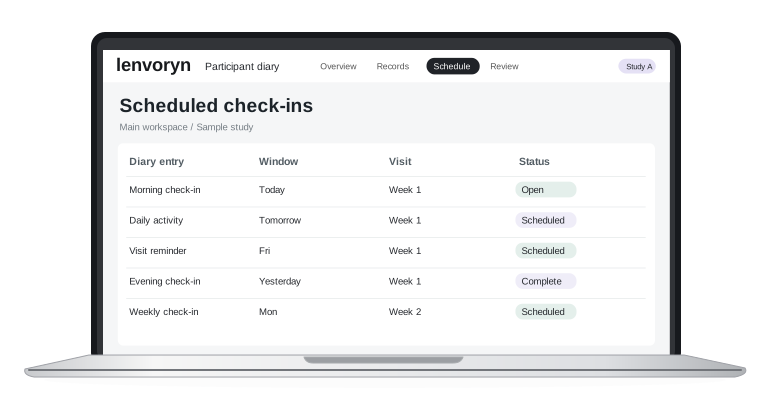

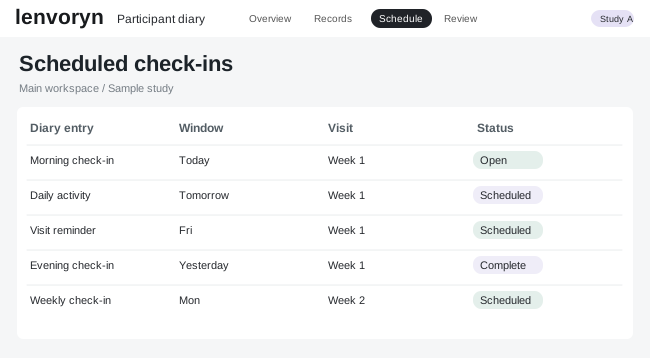
Organise questions by role and follow the next action from a shared support view.
Open the technical support view and choose the sample study and site you want to work with.
Check the information on screen, then use “Set its priority” as the focus for your team review.
Return to the study overview with the next action and its owner clearly defined.
Explore a guided example in the demo center, using fictional study data.